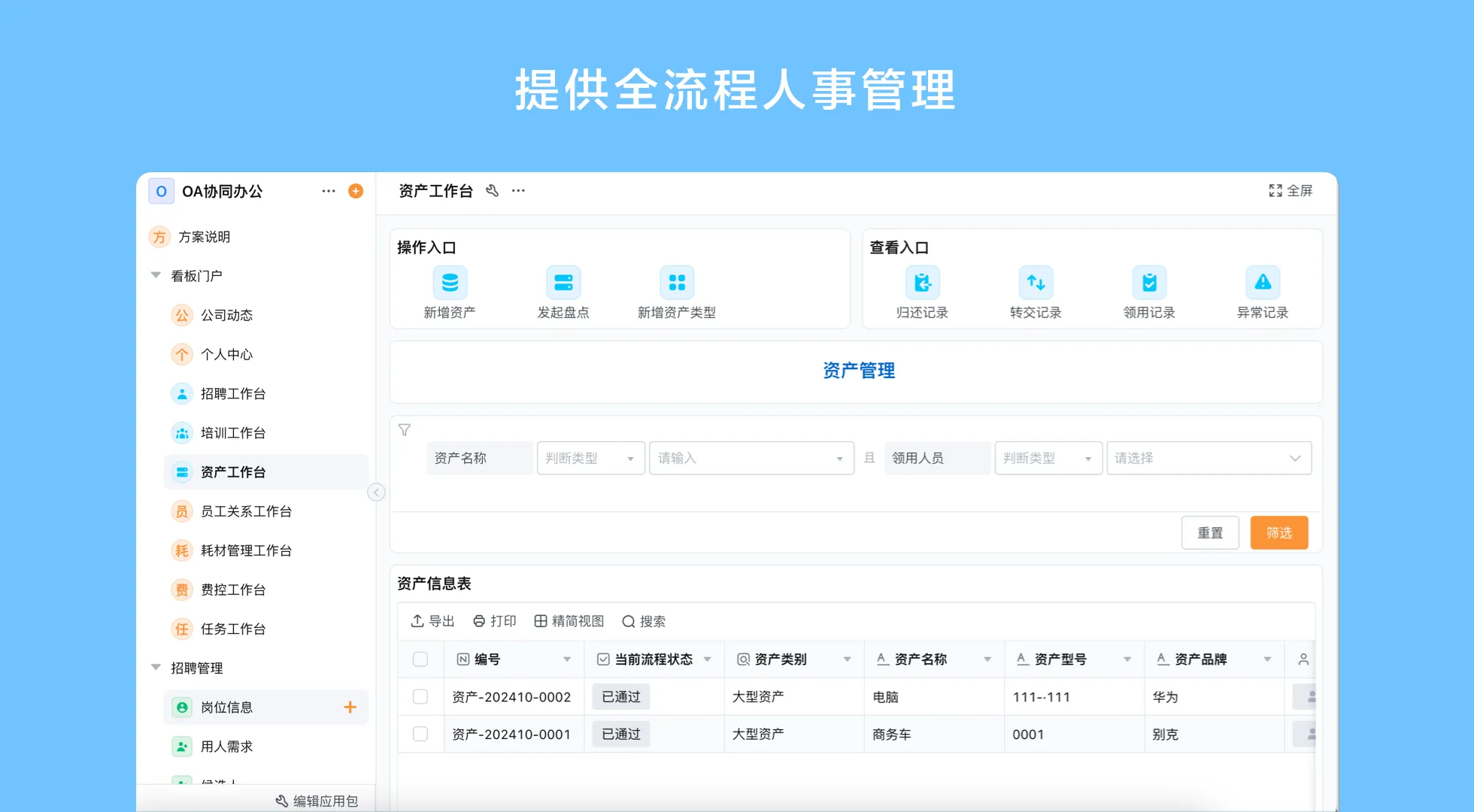
What does AI ERP mean in a small business?
Enterprise Resource Planning (ERP) coordinates information and work across functions such as purchasing, inventory, sales, production, and finance. The term AI ERP usually describes ERP software with AI features that assist with tasks like finding information, summarizing records, drafting a response, or helping a user configure an application. The label alone does not tell you which tasks are supported, what data the AI can access, or whether a person must approve an action.
For small businesses, the distinction matters. Some need a conventional ERP suite with established accounting, tax, and industry modules. Others have a narrower coordination problem: requests arrive in different formats, approvals happen in email, or stock and order updates are difficult to trace. AI may support work around a process, while workflow rules and structured records provide the control structure.
Assistance is different from autonomy
An AI assistant can help a user locate an order record or summarize an exception for review. A configured workflow can route a purchase request to the right approver. Neither should be described as an autonomous system that understands every policy, validates every transaction, and makes accountable financial decisions without supervision. Define the permitted actions, data access, review point, and escalation path before relying on an AI-assisted step.
Where AI and workflow automation can help
AI-powered ERP workflow automation is most useful when it reduces friction around a process without obscuring responsibility. Start with a task that has clear inputs and a human owner. For example, an employee submits a stock request, a manager checks the business reason, and a buyer records the purchase decision. AI could assist with finding related records or preparing a summary if that function is available and approved; the configured process still determines routing and accountability.
- Finding context: Help users retrieve relevant customer, order, inventory, or task information from business records.
- Preparing work: Draft a summary or organize submitted details for a person to review.
- Moving routine work: Use configured rules for assignments, reminders, approval routes, and status changes.
- Reviewing patterns: Present data in a report so a manager can investigate unusual movement or delays.
These are design patterns, not guarantees that every AI ERP product offers each capability. Confirm the actual product scope, integrations, permissions, and data handling for the proposed deployment. Keep a manual route for missing information, conflicting records, and high-impact decisions.
How to evaluate a customizable no-code ERP platform
A customizable no-code ERP platform lets teams configure forms, records, roles, views, and workflow steps visually rather than coding every change. That flexibility can be useful when a business process changes often. It does not remove the need to define data ownership, accounting boundaries, integration requirements, or release governance. Evaluate fit by process, not by the breadth of an AI label.
| Evaluation question | Why it matters | What to verify |
|---|---|---|
| Which process is in scope? | A focused use case is easier to define and review than a vague “replace ERP” objective. | Named owner, start and end points, exceptions, and success criteria. |
| What must remain in a core system? | Accounting, tax, production, or industry requirements may need specialist software. | System of record, data exchanged, and reconciliation owner. |
| What does AI actually do? | AI assistance should be specific enough to assess for accuracy and accountability. | Inputs, outputs, human review, permissions, and fallback behavior. |
| Can users maintain the application? | Configuration should remain understandable as people and rules change. | Role model, change approval, documentation, and testing approach. |
A practical first workflow
Consider a small distributor that wants clearer purchasing and inventory coordination. The example below illustrates process design; it does not imply that a particular platform automatically provides every inventory or purchasing function.
- Capture a request. Record the item, quantity, reason, requested date, and business unit in consistent fields.
- Check context. Give the reviewer a way to compare the request with available stock and any related order record.
- Route the decision. Apply an approval rule based on the organization’s own authority policy, with a named substitute when the owner is unavailable.
- Record the outcome. Store the decision, buyer assignment, supplier reference, and expected receipt as the process progresses.
- Handle exceptions. Provide an explicit route for partial delivery, a changed quantity, or a request that lacks enough information.
- Review and improve. Inspect rejected, delayed, or incomplete requests and update the form or routing rule through controlled change.
How to introduce AI ERP without overextending
Begin with one workflow and a limited group of users. Map the current process, including informal workarounds, before digitizing it. Decide which data is authoritative, who can edit it, what requires approval, and how records will be reconciled with any existing system. Then configure a small version, review it with the people who perform the work, and refine it using real examples that do not expose data beyond approved access.
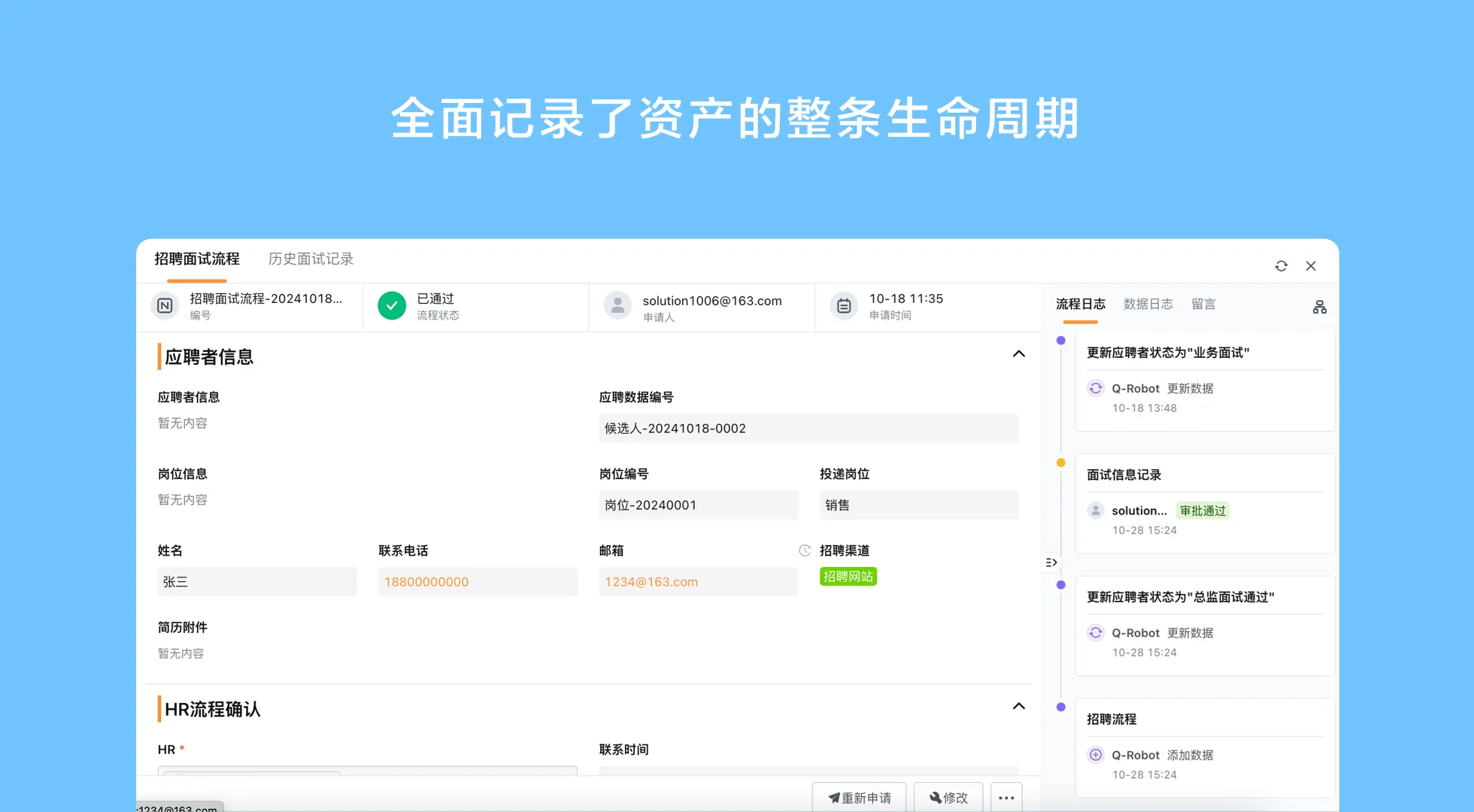
Keep core financial posting or other regulated decisions inside the system and controls already approved for that purpose unless a qualified review confirms a different design. Make responsibilities visible: the application can route a task, but a person still owns a judgment that needs business context. Document what happens when the AI suggestion is wrong, unavailable, or based on incomplete data.
Where Qingflow may fit
Qingflow is an AI-powered no-code platform for building customizable business management applications and automating workflows. Teams can configure forms, data, workflow steps, reports, and role-based access for selected business processes. Its AI direction includes assistance with application building, information retrieval, data analysis, and workflow-related tasks; users still need to validate the business rules and outputs. It should not be presented as a complete conventional ERP replacement without confirming the exact implementation scope.
Conclusion
AI ERP is most useful when the underlying process and data are clear. Small businesses should separate AI assistance from accountable decisions, verify the boundaries of their core systems, and begin with a workflow that has a measurable owner and manageable exceptions. A flexible platform may help connect work that fixed software does not fit, while specialist ERP capabilities remain in the systems chosen for them.
If your team needs to coordinate a process around its own records and approval rules, explore Qingflow as a configurable way to build business applications and automate workflows. Start with one contained use case, then confirm product and integration fit before expanding.
Frequently Asked Questions
Q1: What is AI ERP software for small businesses?
A: AI ERP software combines ERP-related business records and workflows with AI assistance. Depending on the product, AI may help users find information, summarize records, or prepare work for review. The term does not guarantee a complete ERP suite or autonomous decision-making. A small business should identify the process it wants to improve and confirm whether the software supports its accounting, inventory, production, integration, and governance requirements.
Q2: Can AI-powered ERP workflow automation approve purchases automatically?
A: It can be configured to route requests and apply explicit business rules where the software supports those functions, but automatic approval should be limited to cases the organization has deliberately defined. Unusual amounts, missing information, conflicting records, or policy exceptions should go to a responsible person. AI-generated summaries or suggestions should be reviewed before they influence a material purchasing decision.
Q3: Is a customizable no-code ERP platform enough to replace traditional ERP software?
A: Not necessarily. A no-code platform can support configurable applications and connect selected processes, but a traditional ERP may provide specialized accounting, tax, manufacturing, or industry capabilities that the platform does not include by default. Compare the precise functional scope, data migration, integrations, controls, and support needs before deciding whether to replace, extend, or complement an existing system.
常见问题
本文由轻流知识中心编辑整理
轻流(Qingflow)是一体化 AI 无代码平台,持续围绕生产管理、进销存、设备巡检、 CRM、OA 等企业数字化场景输出实操内容,帮助团队更快完成系统选型、 流程优化与落地搭建。