Key Takeaways
- Start with one sales process and define what a useful customer record must contain.
- Compare usability, configuration, reporting, integration needs, and support alongside subscription costs.
- Choose a system your team can maintain as roles and follow-up rules change.
What should CRM software do for a small business?
CRM software provides a shared place to record prospects, customer conversations, follow-up tasks, and potential revenue. It helps a team move from personal spreadsheets and inboxes toward consistent records and clearer ownership. The software should reflect the actual sales process, because a complex setup can create work without improving decisions.
Begin with the work, not the feature list
Write down how a new inquiry arrives, who responds, what information is needed, and when a lead becomes an opportunity. Include handoffs to service or delivery if those teams need context. This simple map makes it easier to see which CRM features are essential and which can wait until the team has a stable routine.
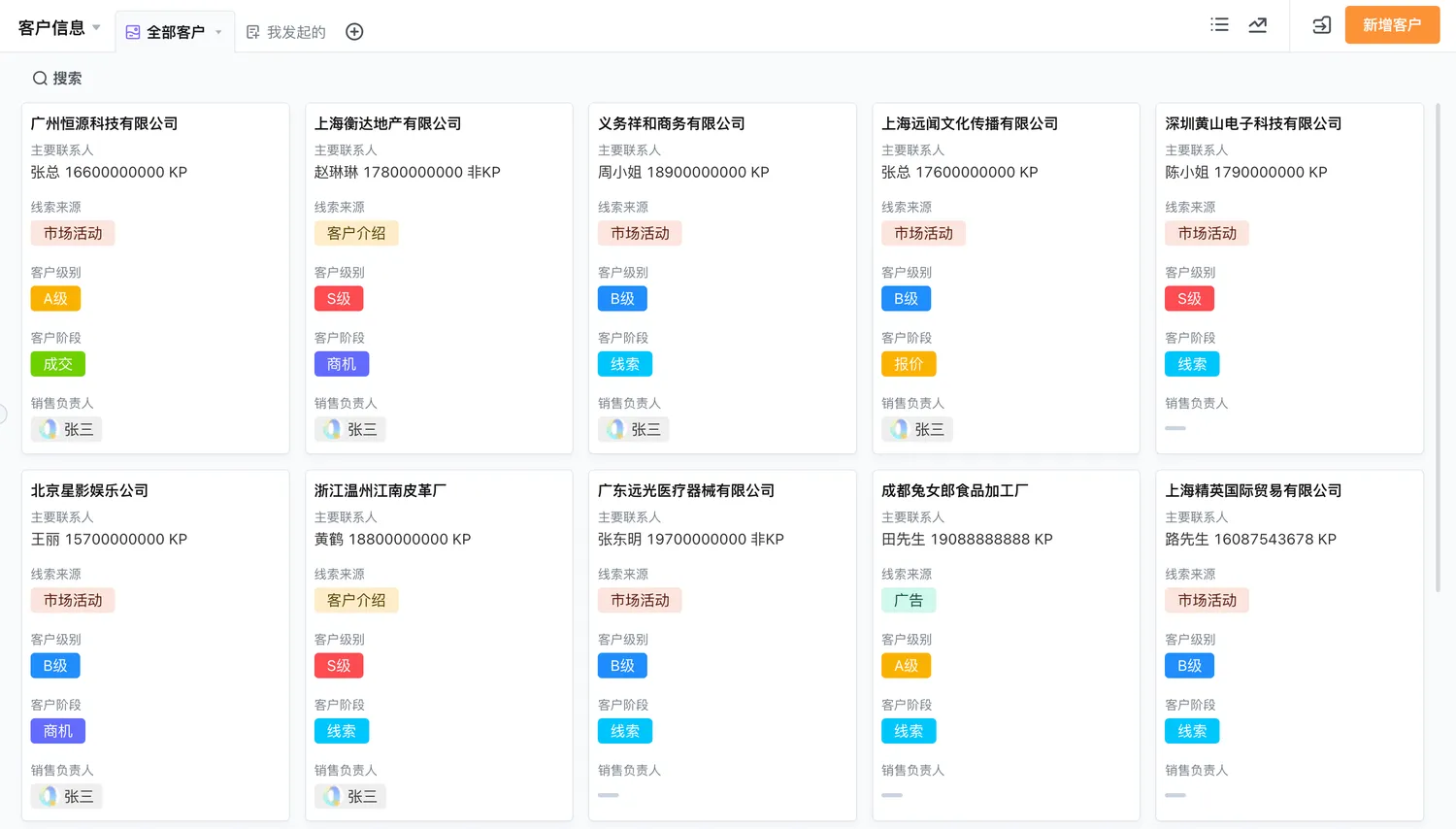
For a small team, useful basics often include contact and company records, ownership, interaction history, tasks, a short opportunity pipeline, and a few practical reports. The goal is reliable shared information. Forecasting models, advanced scoring, or elaborate dashboards may be unnecessary until the underlying records are complete and consistently maintained.
Which capabilities matter most during evaluation?
The best CRM software evaluation connects each requested capability to a business task. Ask users to demonstrate the same scenario in each candidate: capture a lead, assign an owner, record a meeting, schedule a next step, and review the opportunity. A realistic walkthrough exposes friction that feature brochures often conceal.
Check usability and data structure
Look at the daily entry experience on the devices employees use. Can a salesperson find a record quickly, understand the next action, and update it without navigating unrelated fields? Also review how the system separates people, organizations, opportunities, and activities. Clear relationships prevent the same context from being copied into several disconnected notes.
Test configuration and automation
Ask which fields, stages, forms, permissions, and reminders administrators can change. A customizable CRM software for small businesses can fit a changing process, but configuration still needs an owner and a documented purpose. For B2B sales, no-code CRM software for B2B sales may be useful when managers need to adjust stages or intake forms without commissioning every change as custom development.
Automation should remove predictable coordination work, such as creating a follow-up task after a stage change. It should not obscure responsibility. For CRM software with workflow automation, confirm that users can see why an action occurred, correct incomplete data, and handle exceptions when a prospect does not follow the standard path.
How can you compare CRM software options?
Use a small evaluation scorecard based on real work instead of adding points for every available feature. The categories below help a buying group compare fit and trade-offs. Weight them according to your sales model, team capacity, and existing systems rather than treating all rows as equally important.
| Evaluation area | Question to ask | Trade-off to examine |
|---|---|---|
| Workflow fit | Can it represent our lead, deal, and handoff steps? | Rigid stages can force workarounds; excessive customization can confuse users. |
| Ease of use | Can a representative update a record during normal work? | A short interface may be simple but omit needed context. |
| Reporting | Can managers answer the decisions they make regularly? | More charts do not fix missing or inconsistent data. |
| Connections | Which existing tools must exchange data? | Each integration adds setup, ownership, and maintenance needs. |
| Total cost factors | What affects subscription, onboarding, administration, and change costs? | A low starting fee may not reflect the full operating effort. |
How do you plan for adoption and configuration?
Adoption improves when the CRM supports a task people already need to perform. Set a clear initial scope, name process and data owners, and involve the employees who will enter and use records. Give the launch a defined review point so the team can remove fields and steps that add burden without supporting a decision.
- Agree on a shared definition for a lead, account, opportunity, and completed follow-up.
- Choose the minimum fields needed for ownership, qualification, and the next action.
- Configure a limited set of stages and access roles that match current responsibilities.
- Import a small, cleaned data sample and check duplicates and record relationships.
- Walk through daily scenarios, train users, and review adoption issues before expanding.
Do not treat training as a one-time presentation. Managers should model the expected update habits and explain how the information will be used. If representatives believe CRM entry only serves reporting, they may keep useful context elsewhere. Give them views and reminders that help with their own follow-up, not just oversight.
How should you think about cost and future change?
CRM software costs vary by vendor, plan, number of users, configuration, support, integrations, and data migration. Request a written breakdown for the period you are evaluating, then estimate internal administration and training effort. Compare the costs of maintaining the proposed process with the cost of the workarounds your team uses now.
Consider what happens when the company adds a sales role, territory, product line, or approval step. A system that is easy to start but hard to adapt can create later migration work. At the same time, do not buy for a hypothetical future state. Select the capabilities needed now, and verify that a reasonable path exists for likely changes.
When can a configurable platform be a fit?
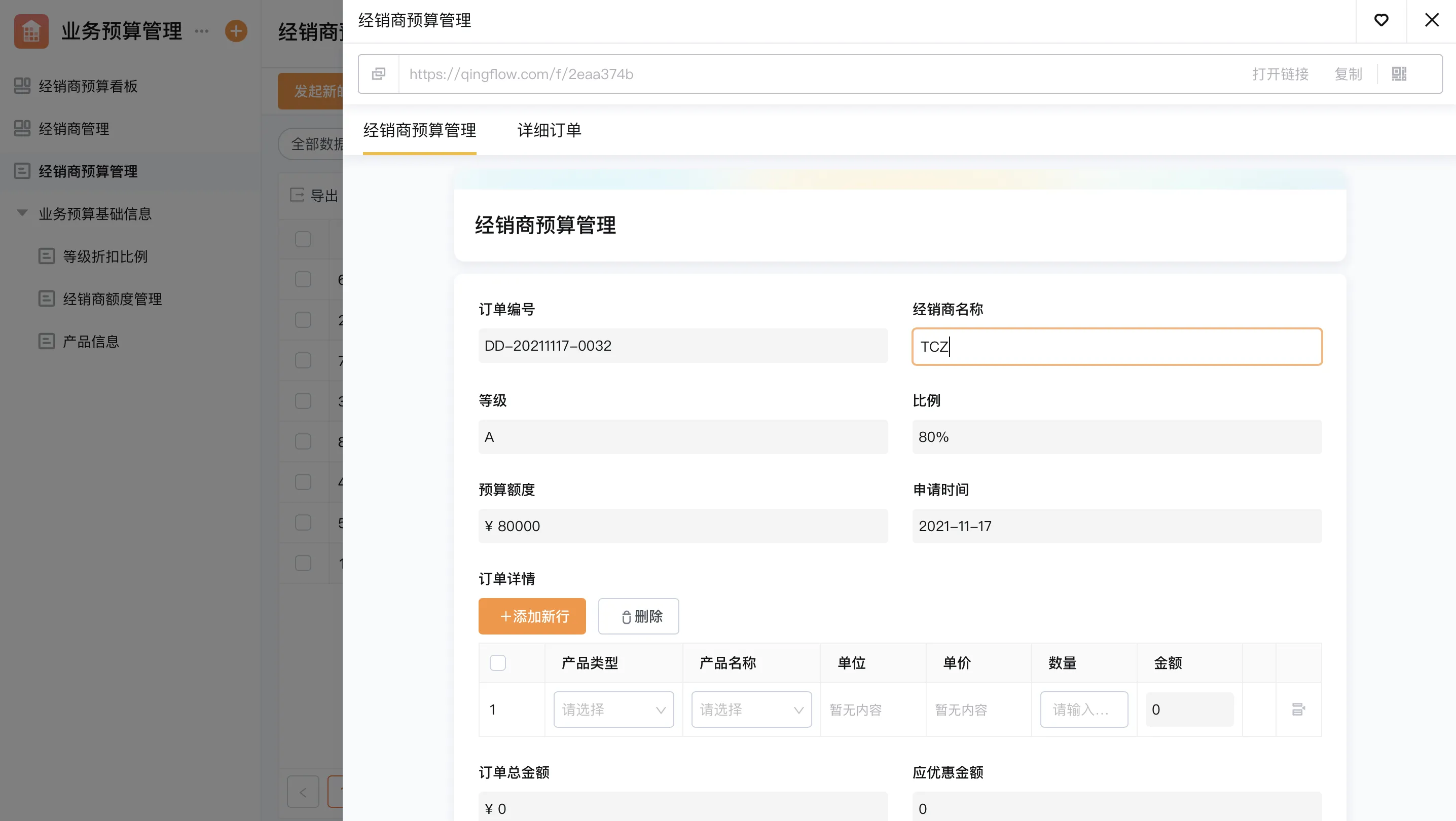
Some teams need CRM records to connect closely with internal approvals, service requests, or operational data. A configurable no-code platform may support those workflows when the organization wants to model forms, roles, records, and process steps around its own rules. It requires process design and governance; it is not automatically a full replacement for every specialist sales or finance tool.
If your sales process changes often or connects to other internal workflows, Qingflow offers an AI-powered no-code platform for building customizable business applications and automating workflows. Review the platform against your specific requirements before deciding whether it fits.
Conclusion
Choose CRM software by testing how well it supports your real sales process, how easily employees can maintain useful records, and how much effort the organization can devote to configuration. A focused evaluation of workflow fit, adoption, reporting, connections, and total cost factors leads to a more grounded choice than a long feature checklist.
Frequently Asked Questions
Q1: What is the difference between CRM software and a CRM system?
A: CRM software usually refers to the application people use to manage customer records and sales work. A CRM system is the broader arrangement of data, users, permissions, workflow rules, integrations, and reports that supports customer relationship management. In everyday conversation, the terms overlap. During evaluation, clarify whether a discussion concerns the product interface or the full operating setup.
Q2: Can a small business use CRM software without a dedicated administrator?
A: Yes, if the first use case is limited and someone has time to own basic definitions, permissions, data quality, and user questions. A team does not always need a full-time administrator, but it does need a named owner. If nobody maintains the process, fields and stages can drift until reports become difficult to trust.
Q3: What should we prepare before requesting a CRM demo?
A: Prepare a simple example that follows a real prospect from first contact to a next step. Include the information your team records, the people who need access, one exception, and a report managers actually use. Ask the vendor to demonstrate that scenario using sample records. This makes it easier to compare workflow fit than to watch a generic feature tour.
常见问题
本文由轻流知识中心编辑整理
轻流(Qingflow)是一体化 AI 无代码平台,持续围绕生产管理、进销存、设备巡检、 CRM、OA 等企业数字化场景输出实操内容,帮助团队更快完成系统选型、 流程优化与落地搭建。