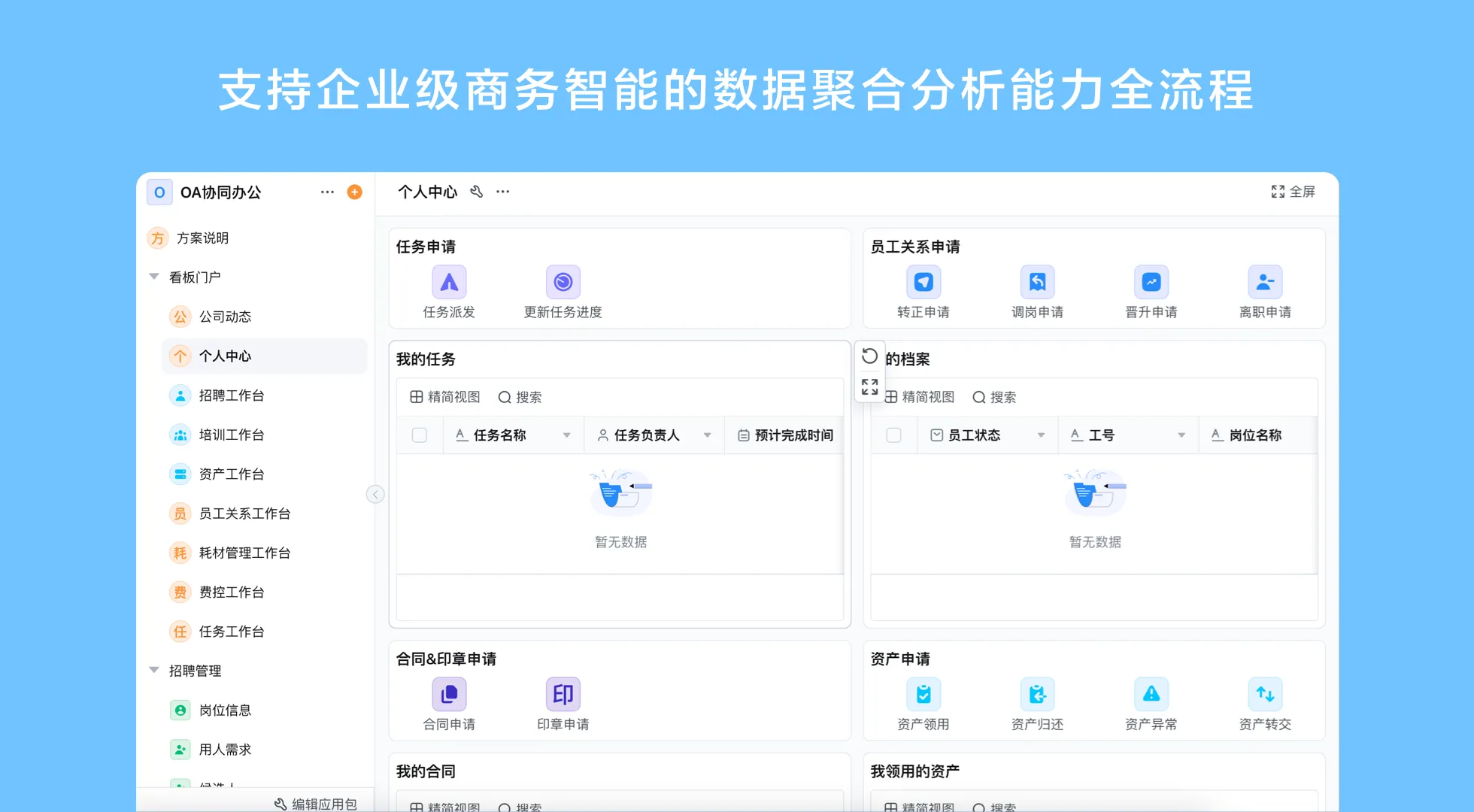
What an employee management system should coordinate
An employee management system is most useful when it gives people a dependable place to submit information, move requests to the right owner, and understand what has happened. It may include employee profiles, onboarding tasks, role or department changes, leave requests, internal approvals, and offboarding checklists. The exact scope varies by organization. A company should define which records belong in the system and which specialist tools remain authoritative for functions such as payroll or benefits.
Think of the application as a set of connected processes rather than a digital filing cabinet. A record can have an owner, a status, a related request, and a history of changes. For example, a role change might require a manager to submit the request, an HR colleague to confirm the details, and an IT owner to handle account access. The system can route the work and retain the relevant business record; people remain responsible for validating the information and completing their assigned actions.
- Employee records: Maintain agreed fields, ownership, and update history.
- Lifecycle requests: Give onboarding, changes, leave, and departures a defined path.
- Role-based views: Show employees, managers, and administrators the information relevant to their work.
- Operational visibility: Use status views or reports to find pending work and missing handoffs.
Map the employee lifecycle before choosing features
Start by documenting what happens today, who initiates each step, who approves it, and what evidence or record the next owner needs. This reveals where an employee onboarding and records management software workflow should remove duplicate entry or unclear handoffs. It also prevents a common mistake: collecting every possible employee detail before deciding whether the organization needs it.
| Lifecycle stage | Typical process record | Control question |
|---|---|---|
| Onboarding | Start details, assigned tasks, equipment or account requests, completion status | Who confirms each task is complete? |
| Employment record updates | Change request, effective date, supporting details, review outcome | Which fields may each role view or edit? |
| Leave or absence request | Request dates, decision, handoff or coverage note where needed | Who may see sensitive details, and who only needs the status? |
| Offboarding | Departure date, assigned handoffs, return or access tasks, closure status | Which owner confirms each operational handoff? |
This table is a starting model, not a universal HR policy. Adapt the fields and approvals to internal policy and local requirements with the appropriate specialists. Keep the process record concise enough that employees and managers can complete it accurately.
Design the workflow around clear ownership
- Capture only the information needed to start the process.
- Route the request to the accountable reviewer.
- Record the decision and assign any follow-up.
- Close the process after the owner confirms completion.
1. Define the request and its minimum data
Give every process a clear purpose. An onboarding form may need a start date, team, manager, and task owners, while an absence request may need dates and a decision route. Avoid collecting personal information simply because a form builder makes it easy. Decide which fields are required, who can see them, and when a record should be archived or reviewed under the organization’s own retention policy.
2. Set routing, decisions, and exceptions
Specify the normal route and the cases that need a different owner. A new employee in one department may have the same core tasks as another employee but a different equipment or access request. Route based on approved business rules, make the current owner visible, and provide a way to return an incomplete submission for correction. A workflow should make exceptions explicit instead of hiding them in email.
3. Test with representative users
Ask an employee, a manager, and an administrator to complete realistic examples before rollout. Check whether labels are understandable, notifications reach the right person, and the next step is obvious. Include a correction, a reassignment, and a delayed task in the test. Feedback from these cases often improves the workflow more than adding extra fields.
4. Review the process after launch
Use operational views to look for requests that remain pending, repeated data corrections, or unclear ownership. Review those patterns with process owners and adjust a form or route where needed. Do not treat a dashboard as proof of policy compliance. It shows the records captured by the configured application, so its usefulness depends on clear definitions and timely updates.
Choose employee management software with data boundaries in mind
For an employee management system for small businesses, ease of maintenance matters as much as the initial feature list. A process owner should be able to explain what the system stores, who administers it, and how changes are made when responsibilities shift. Compare options by the work they support and the controls they provide, not by a long list of modules that may not fit the organization.
| Selection area | Questions to ask | Evidence to request |
|---|---|---|
| Process fit | Can onboarding, change requests, leave, and offboarding follow distinct routes? | A demonstration using your own process map |
| Access | Can access be limited by role and business need? | Configuration examples for employee, manager, and administrator views |
| Data handling | Can the team limit fields and identify record owners? | Field, permission, export, and retention options confirmed for the offer |
| Changeability | Can an authorized owner revise forms and steps without rebuilding everything? | A tested example of a routine process change |
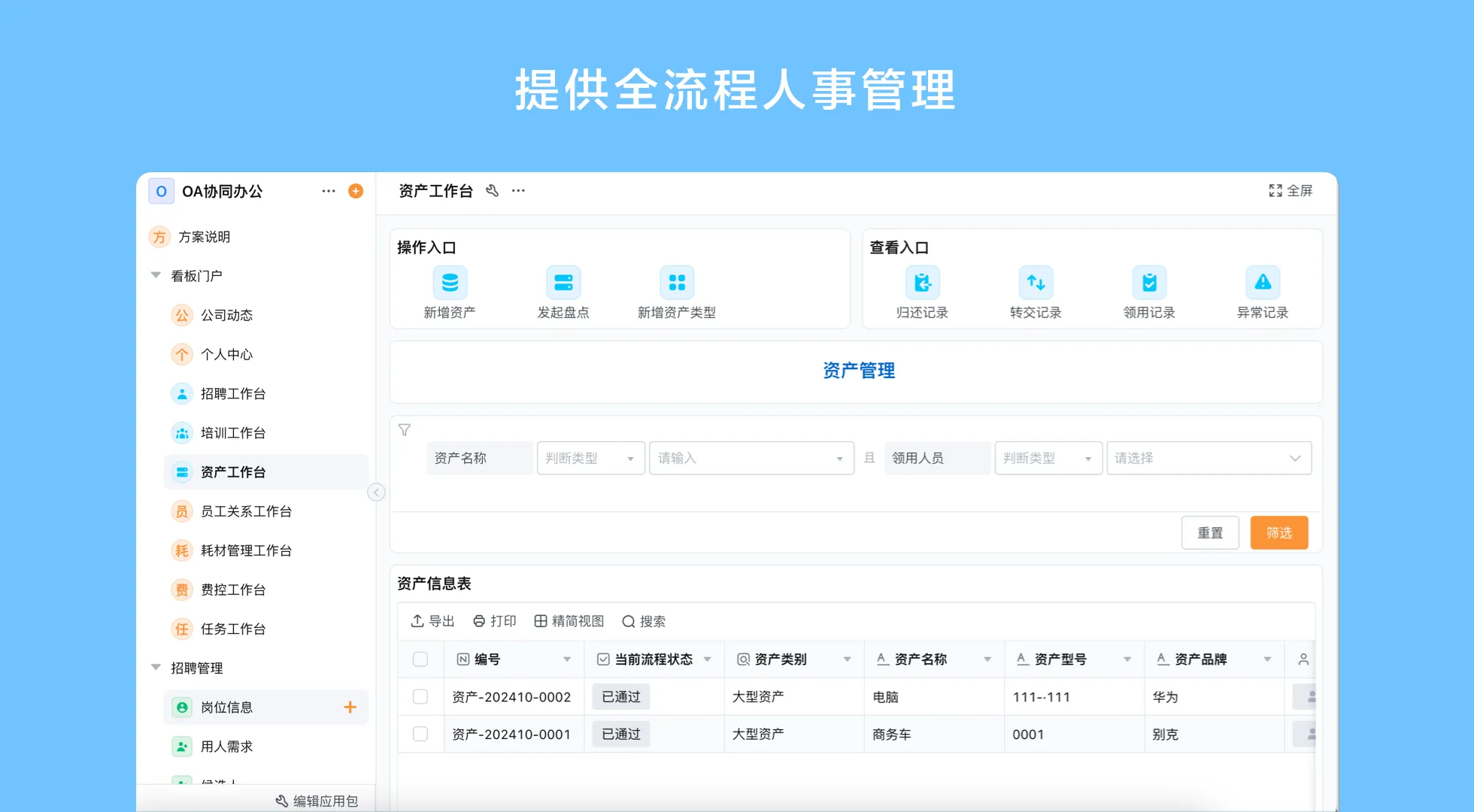
Confirm product scope, integrations, hosting, and security controls directly with the provider before making a decision. If the organization already has an HR or payroll system, determine which system remains authoritative for each record. Avoid maintaining competing versions without a defined synchronization and correction process.
Where configurable workflows can help
A configurable platform may suit teams whose employee administration crosses departments or changes as the organization grows. Forms can capture requests, workflows can route approvals and tasks, role-specific views can organize work, and reports can show configured statuses. These are building blocks; a usable employee application still needs process ownership, data definitions, access decisions, and review by the people responsible for HR operations.
Qingflow is an AI-powered no-code platform for building customizable business management applications and automating workflows. A team can evaluate whether configurable forms, workflow routing, permissions, and reports fit a specific employee administration process. The platform should be assessed against the intended scope and any systems that remain in place, rather than assumed to replace a dedicated HR or payroll product.
Conclusion
A practical employee management system starts with lifecycle processes, minimum necessary data, defined owners, and access that reflects work responsibilities. Document onboarding, updates, leave, and offboarding before comparing software, then test the routes with real users. Review the process as policies and teams change, and verify product boundaries before connecting employee information to other systems.
If your employee processes cross teams and need clearer handoffs, explore whether a configurable workflow platform fits the scope. Visit Qingflow to learn about building business applications and automating workflows around defined processes.
Frequently Asked Questions
Q1: What is an employee management system?
A: An employee management system is an application or group of connected tools used to organize employee records and related administrative processes. Depending on its scope, it may support onboarding, record changes, leave requests, approvals, and offboarding tasks. Organizations should define which system owns each type of information and confirm that access is limited to people with a business need.
Q2: Is an employee management system for small businesses useful?
A: It can be useful when a small team relies on scattered forms, email threads, or spreadsheets to coordinate recurring employee processes. A focused system can make ownership and status easier to see. It is most valuable when the workflow is clear and someone is responsible for keeping fields, permissions, and instructions current; software alone does not establish sound HR policy.
Q3: What should employee onboarding and records management software include?
A: Start with the organization’s actual onboarding and record-update requirements. Common process elements include a structured intake, assigned task owners, review steps, status tracking, and controlled access to employee information. Ask whether the software can capture only necessary fields and whether authorized people can update records. Confirm any payroll, benefits, identity, or document functions separately instead of assuming they are included.
常见问题
本文由轻流知识中心编辑整理
轻流(Qingflow)是一体化 AI 无代码平台,持续围绕生产管理、进销存、设备巡检、 CRM、OA 等企业数字化场景输出实操内容,帮助团队更快完成系统选型、 流程优化与落地搭建。