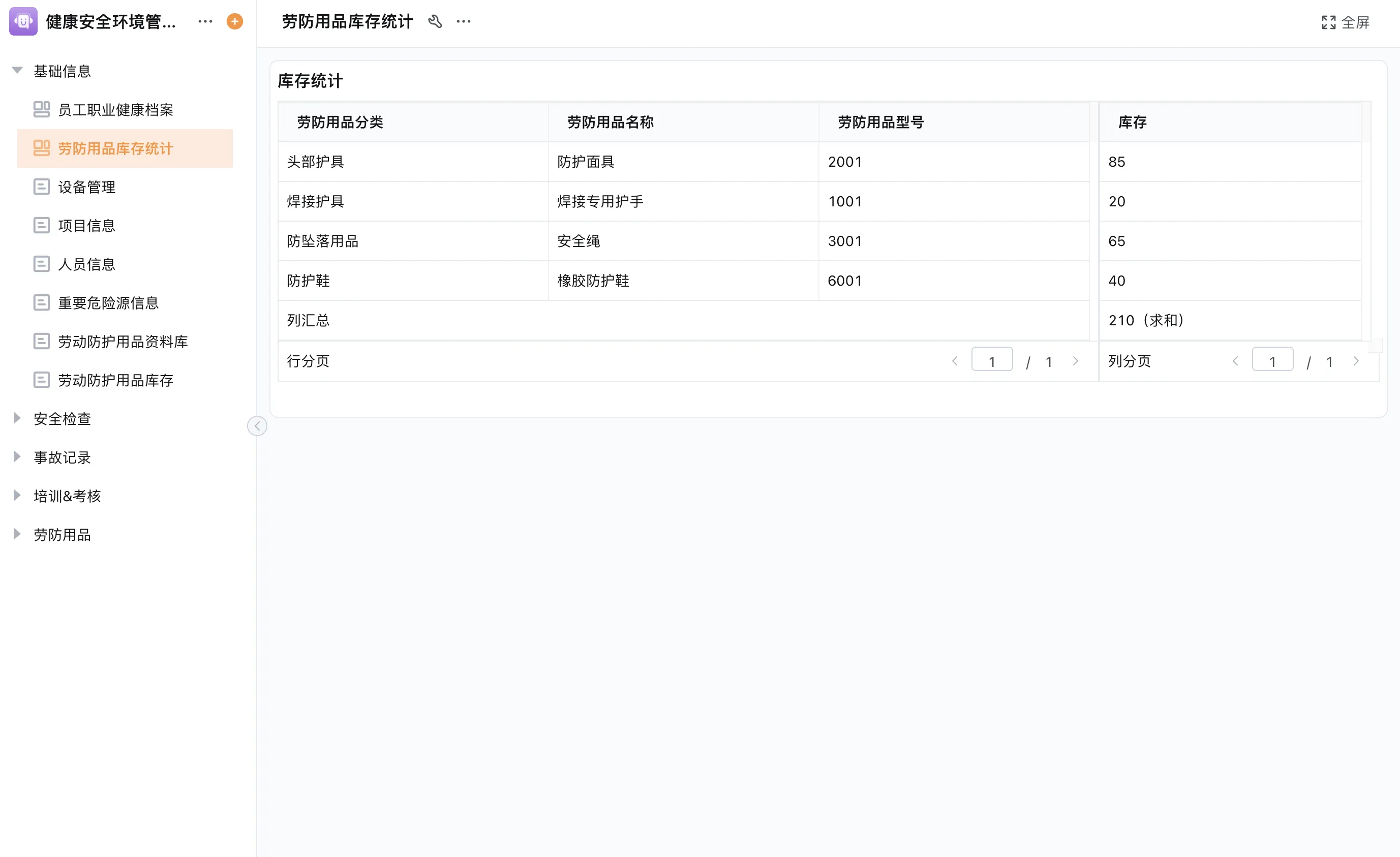
Start with the operating model, not a feature checklist
An Enterprise Resource Planning (ERP) platform coordinates information and activity across areas such as procurement, inventory, sales, production, and finance. Products use the ERP label differently, so begin by describing the decisions and handoffs your teams need to support. List the people involved, records they create, approvals, exceptions, and reports used to manage the work. This gives vendors a concrete scenario to demonstrate.
Separate mandatory capabilities from preferences. A mandatory requirement may be a defined accounting process, traceable inventory movement, or connection to an existing order system. A preference may be a particular dashboard layout or a configurable intake form. Without this distinction, a long feature list can make a product look suitable while leaving a critical process or system boundary unresolved.
- List the process and named owner.
- Mark requirements as mandatory, important, or optional.
- Identify the current system of record for each key data type.
- Include exception handling and user responsibilities in the evaluation.
Small business and manufacturing needs differ
An ERP platform for small businesses may need to reduce duplicate entry and give a small team a consistent view of requests and transactions. A manufacturer may also need production orders, bills of materials, material readiness, shop-floor reporting, quality checks, and traceability. Those functions can cross into Manufacturing Execution System (MES) territory. Identify whether the requirement is coordination, detailed execution, or both, and verify which system will own each record.
Compare platform fit across six dimensions
| Dimension | Questions to ask | Evidence to request |
|---|---|---|
| Process coverage | Which workflows and transactions are included in the proposed scope? | Demonstration using your scenario, including exceptions. |
| Data model | Can records be related, owned, updated, and audited as needed? | Sample item, order, supplier, and status records. |
| Adaptability | Who can change fields, routing, and views, and how are changes governed? | Configuration review, permissions, and change workflow. |
| Integration | Which system is authoritative, and what data must move in each direction? | Supported interfaces and a field-level integration design. |
| Usability | Can frontline users complete common tasks without workarounds? | Role-based walkthrough using realistic tasks. |
| Operations and support | How are deployment, access, updates, and issue ownership handled? | Documented responsibilities and confirmed service scope. |
How to assess a customizable ERP platform for manufacturers
A customizable ERP platform for manufacturers should be assessed against the manufacturing model, not just the ability to add fields. A configured workflow may coordinate an order review, material request, inspection result, or maintenance follow-up. That is different from proving that a solution supports advanced production planning, machine connectivity, quality management, or lot traceability. Ask the vendor to show the exact process and data object that satisfy each requirement.
Map at least one order from demand through production and fulfillment. Mark where engineering approves specifications, where inventory confirms material availability, where a work order is released, and where completion is recorded. Then identify the system that owns each step. If a specialist MES or warehouse system already performs execution, the ERP platform may need to exchange selected statuses rather than duplicate every operational record.
Test the difficult cases
Demonstrations often focus on the standard path. Ask to walk through a changed order, a material shortage, a rejected inspection, and a partial shipment. These cases reveal how exceptions are assigned, documented, and closed. Also check whether users can see the current owner and next action without relying on a side conversation. A system that records the happy path but leaves exceptions in email may not solve the coordination problem.
Use a weighted requirements exercise
Once requirements are clear, score candidate platforms with a small cross-functional group. Weights should reflect the organization’s own priorities; do not treat a generic score as a buying answer. Require evidence for each rating and keep any unresolved item visible rather than averaging it away.
- Write each requirement as an observable task or control, not a broad phrase such as “easy to use.”
- Mark it mandatory, important, or optional and name the business owner.
- Have each vendor demonstrate the task using sample data and the relevant user role.
- Record whether the capability is standard, configurable, integrated, or outside the proposed scope.
- Review implementation, migration, training, and ongoing change responsibilities separately from the product score.
Plan for integration and governance early
A flexible ERP platform for growing teams can be useful when a company’s process is changing faster than its fixed application setup. Flexibility creates choices that need governance. Define who may edit the data model, publish workflow changes, create reports, and approve integrations. Use naming conventions and ownership rules so different teams do not create conflicting versions of the same customer, item, or transaction.
For every connection, document the sending and receiving systems, key fields, direction, trigger, error handling, and reconciliation owner. Verify the exact interface and implementation support for the products involved. Open APIs or webhooks may be available in a platform, but their existence alone does not confirm a ready-made connector or a successful integration with a particular system.
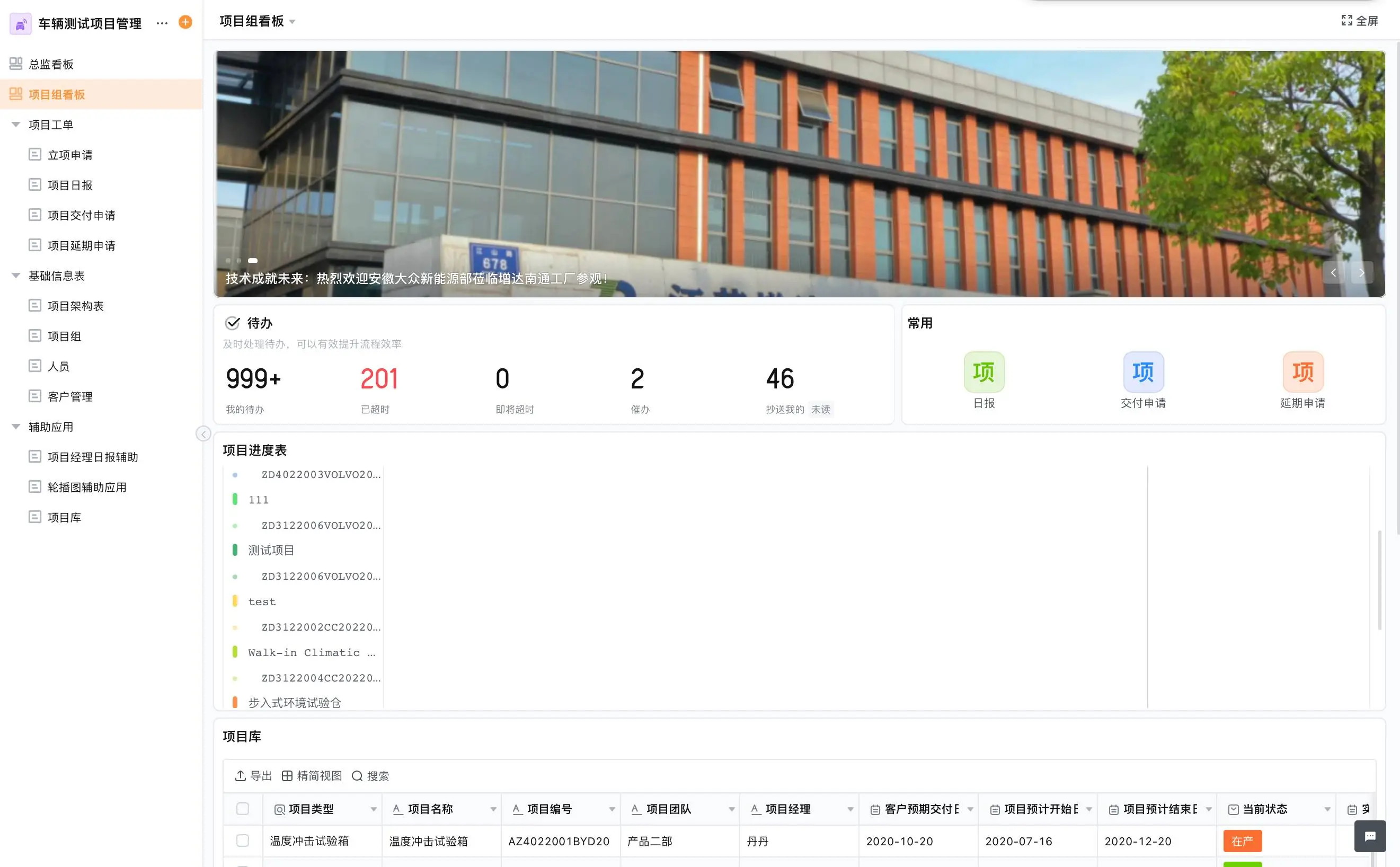
Make the selection decision in stages
Shortlist solutions only after the core process map is agreed. Use a scripted demonstration, a limited proof of concept when appropriate, and a written responsibility matrix. Include users who will enter and review the data, not only project sponsors. Before commitment, clarify migration scope, training, support, deployment options, data export, and the process for future changes. Do not infer price or implementation duration from a product category; request a proposal for the confirmed scope.
Qingflow is an AI-powered no-code platform for configurable business applications and workflow automation. It may suit organizations that need to shape selected processes, forms, data, roles, reports, and approvals around their operations. It should be assessed as a platform for building or connecting business workflows, not assumed to contain every standard ERP, accounting, or manufacturing module. Confirm the required scope and interfaces for a specific deployment.
Conclusion
Choosing an ERP platform is a process-fit decision. Define the work, records, system boundaries, and exceptions first; then compare products using evidence from realistic demonstrations. Growing businesses can benefit from configurable workflows, while manufacturers must distinguish coordination from specialist execution. A clear scope protects the organization from both buying too little and expecting one platform to do everything.
Need to model a business process that does not fit a fixed workflow? Learn about Qingflow and assess whether its configurable applications and workflow tools fit one of your defined use cases. Confirm the product scope and system connections with your implementation team before making a selection.
Frequently Asked Questions
Q1: What should an ERP platform for small businesses include?
A: That depends on the business, but the selection should cover the processes and records the company needs to coordinate, such as purchasing, inventory, sales, or finance. It should also address access, reporting, integration, migration, and support. A small company should identify any specialist requirements, such as accounting or regulated transaction handling, and confirm whether the proposed platform covers them or needs to work alongside another system.
Q2: How is a customizable ERP platform for manufacturers different from fixed software?
A: A configurable platform may let teams adapt forms, workflow routes, data views, and selected applications as processes change. Fixed software may offer more predefined coverage for a specific operating model. Neither is automatically better. Manufacturers should verify whether customization supports the required production controls and traceability, and whether it introduces extra governance or integration work compared with a specialized manufacturing solution.
Q3: When does a flexible ERP platform for growing teams make sense?
A: It may make sense when the team has well-defined processes that change regularly and needs to adapt forms, approvals, or views without rebuilding an application from scratch. It is a weaker fit when requirements depend on unverified specialist capabilities or complex controls. Start with a bounded use case, confirm data ownership and integrations, and establish who will manage future changes.
常见问题
本文由轻流知识中心编辑整理
轻流(Qingflow)是一体化 AI 无代码平台,持续围绕生产管理、进销存、设备巡检、 CRM、OA 等企业数字化场景输出实操内容,帮助团队更快完成系统选型、 流程优化与落地搭建。