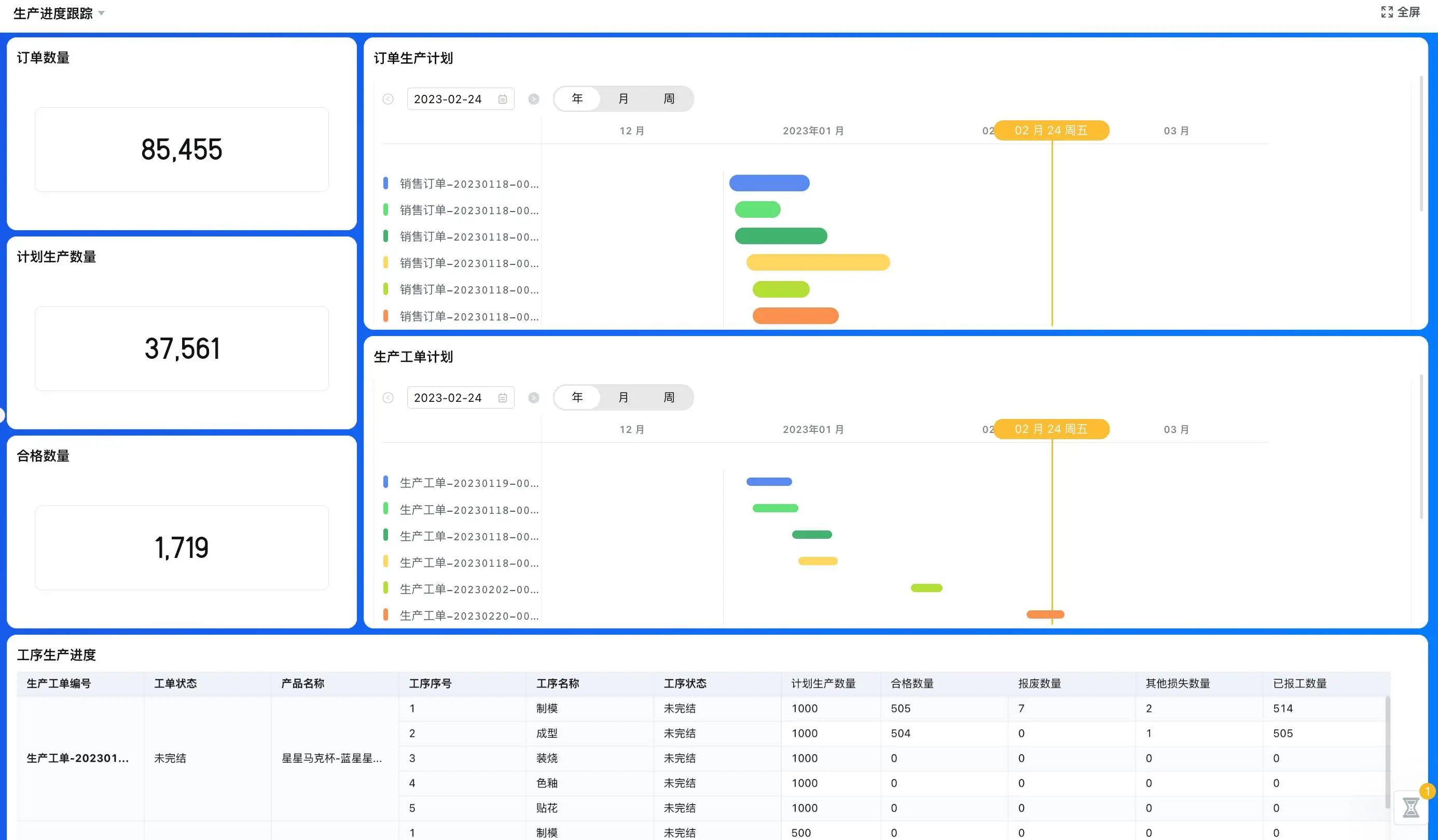
What a WMS system is designed to manage
A Warehouse Management System focuses on the execution of work inside a warehouse. It organizes locations, inbound and outbound tasks, stock movements, and the people responsible for each step. A WMS system can help answer practical questions: what was received, where was it placed, which order needs picking, what has been counted, and what is ready to leave? The answers are only as reliable as the process for recording movements.
Warehouse software is often discussed alongside Enterprise Resource Planning (ERP) and inventory tools, but these systems have different centers of gravity. ERP commonly coordinates broader business resources and transactions. A WMS focuses on warehouse execution. An inventory spreadsheet may be sufficient for a small, stable process, but can become difficult to coordinate when several people make changes or when movement history matters. The appropriate scope depends on order volume, location complexity, control needs, and existing systems.
A warehouse inventory tracking system should therefore be evaluated around real transactions, not only the ability to display an on-hand quantity. Each receipt, transfer, pick, adjustment, return, or count should have a defined reason and owner. That record helps a team investigate differences without relying on memory.
Build the warehouse process from inbound to dispatch
- Receive and verify expected goods.
- Record the destination after putaway.
- Pick order lines and flag exceptions.
- Review count differences before adjustment.
- Confirm dispatch and update the order status.
| Process step | Information to record | Operational handoff |
|---|---|---|
| Receiving | Expected order, item, received quantity, date, discrepancy note | Receiver confirms the receipt or flags a variance |
| Putaway | Item, destination location, movement owner, completion state | Stock becomes available at the recorded location |
| Picking | Order lines, assigned picker, picked quantity, exception status | Picked goods move to packing or dispatch preparation |
| Counting | Count scope, observed quantity, reviewer, adjustment decision | A difference is reviewed before the stock record changes |
| Dispatch | Order reference, packed items, handoff date, dispatch status | The order owner receives a clear completion update |
Use a shared definition for each status. “Received,” for example, might mean that goods were physically checked, while “available” might mean discrepancies have been reviewed and the quantity is ready for allocation. If these labels mean different things to different shifts, dashboards and planning conversations become unreliable.
Design WMS receiving and picking workflows
Receiving: compare expected and actual goods
Before a delivery arrives, identify the expected order or transfer and the information a receiver must verify. At receipt, record actual quantities and note damage, shortages, substitutions, or other differences without silently changing the expected record. Define who reviews each exception and how the team decides whether goods can be accepted, held, or escalated. Product-specific handling rules should be confirmed with the warehouse operator.
Putaway: make locations understandable
Use location names that staff can interpret consistently. If a process assigns locations, document who confirms the final placement and how a later relocation is captured. A movement should change the recorded location only after the physical action is complete. This small distinction helps prevent a system from showing an item in a place where it has not yet been put.
Picking and dispatch: keep order lines traceable
Organize pick tasks around the order, item, quantity, and destination. Decide what happens when the requested quantity is unavailable, a line cannot be found, or an order changes after picking starts. Record partial completion as a deliberate state rather than an ambiguous note. At dispatch, connect the packing or handoff event to the original order so that customer service and operations can see the same status.
Counting and reconciliation: review differences
Choose whether counts are scheduled by location, item, or operational need. Record the count scope and observed result, then review differences before adjusting stock. Establish a clear approval route for adjustments based on internal policy. Do not let the count record disappear into a spreadsheet tab with no owner or explanation; the reason for a change matters as much as the final quantity.
Decide whether a small warehouse needs a WMS
A WMS system for small warehouses can be appropriate when location tracking, repeatable picking, or movement history is hard to maintain manually. Yet a small operation should not assume it needs every capability found in a large distribution environment. Start with the number of locations, order types, user roles, exception paths, and current stock sources. Ask which process problem causes the most rework or uncertainty, then define a pilot around that workflow.
- List every system or file that currently stores item, order, and stock information.
- Choose an authoritative source for each data type and document updates between systems.
- Walk through a normal receipt, a shortage, a partial pick, a count difference, and a return.
- Confirm whether barcode scanning, lot or serial tracking, carrier connections, or accounting links are included and supported in the proposed setup.
These specialized features vary by product, configuration, device, and integration. A vendor demonstration should use the warehouse’s representative items and exceptions. Also ask how corrections are recorded and who can approve them.
WMS, ERP, and spreadsheets: where each fits
| Approach | Primary role | Questions before relying on it |
|---|---|---|
| Spreadsheet | Simple lists or low-complexity records | Can users see concurrent changes, ownership, and movement history clearly? |
| ERP inventory function | Connect stock records with broader business transactions | Does it provide the warehouse task detail and exception handling needed? |
| WMS | Coordinate warehouse locations and execution steps | Does the actual product support the operation’s picking, receiving, and control model? |
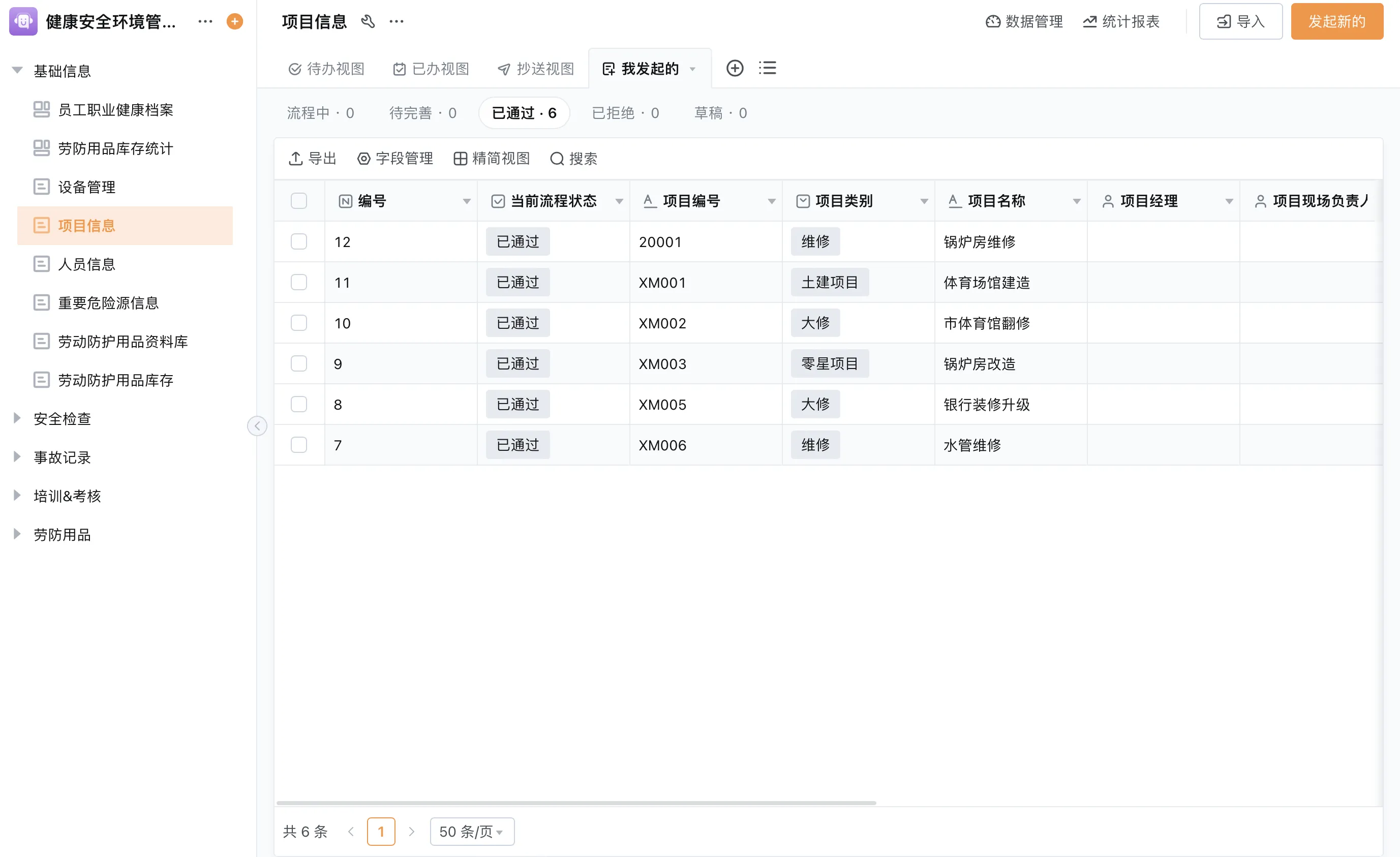
| Configurable workflow application | Support selected operational processes and handoffs | Which specialist functions remain outside the configured application? |
Using configurable applications around warehouse work
Some teams need to coordinate warehouse requests, approvals, inventory records, and exception follow-up across departments. A configurable application can support selected forms, routing, role-based views, reports, and reminders around those processes. It should not be represented as a complete WMS unless the required warehouse functions are confirmed in the specific configuration. Barcode behavior, inventory valuation, advanced allocation, and other specialist features need direct verification.
Qingflow is an AI-powered no-code platform for building customizable business management applications and automating workflows. Teams can assess whether its configurable forms, data, workflow, reports, and permissions can support a defined warehouse coordination use case or connect to systems already in place. Product scope and integrations should be validated against the operation before adoption.
Conclusion
A WMS system is a process choice as much as a software choice. Map receiving, putaway, picking, counting, and dispatch, then define the records and owners that make every movement traceable. Compare a WMS with ERP inventory functions, spreadsheets, or configurable applications against real tasks and exceptions. Confirm specialist functions before purchase and keep a clear source of truth for stock data.
Need to coordinate warehouse requests or exceptions across teams? Explore whether configurable business applications can support that defined workflow alongside your inventory tools. Learn about Qingflow and its no-code approach to applications and process automation.
Frequently Asked Questions
Q1: What does a WMS system do?
A: A WMS system helps coordinate warehouse execution, including receiving, location records, picking, stock counts, and dispatch preparation. Its exact capabilities depend on the product and implementation. A buyer should test the workflows and exceptions that occur in their own operation and confirm any specialized requirements, such as scanning or lot tracking, rather than infer them from the WMS label alone.
Q2: Is a WMS system for small warehouses worthwhile?
A: It may be worthwhile when a small warehouse needs clearer location control, movement history, task ownership, or order picking. A stable operation with few users and simple stock movement may be adequately served by a simpler tool. Compare the cost and maintenance effort with the operational need, and begin with a process pilot that includes both routine work and common exceptions.
Q3: How is a WMS different from an ERP inventory module?
A: ERP commonly connects inventory with broader business processes such as procurement, sales, and finance. A WMS is centered on warehouse execution, such as receiving, locating, picking, and dispatch. Product boundaries vary, and some systems combine functions. The useful comparison is whether each option handles the specific warehouse tasks, controls, and integrations the business requires.
常见问题
本文由轻流知识中心编辑整理
轻流(Qingflow)是一体化 AI 无代码平台,持续围绕生产管理、进销存、设备巡检、 CRM、OA 等企业数字化场景输出实操内容,帮助团队更快完成系统选型、 流程优化与落地搭建。